
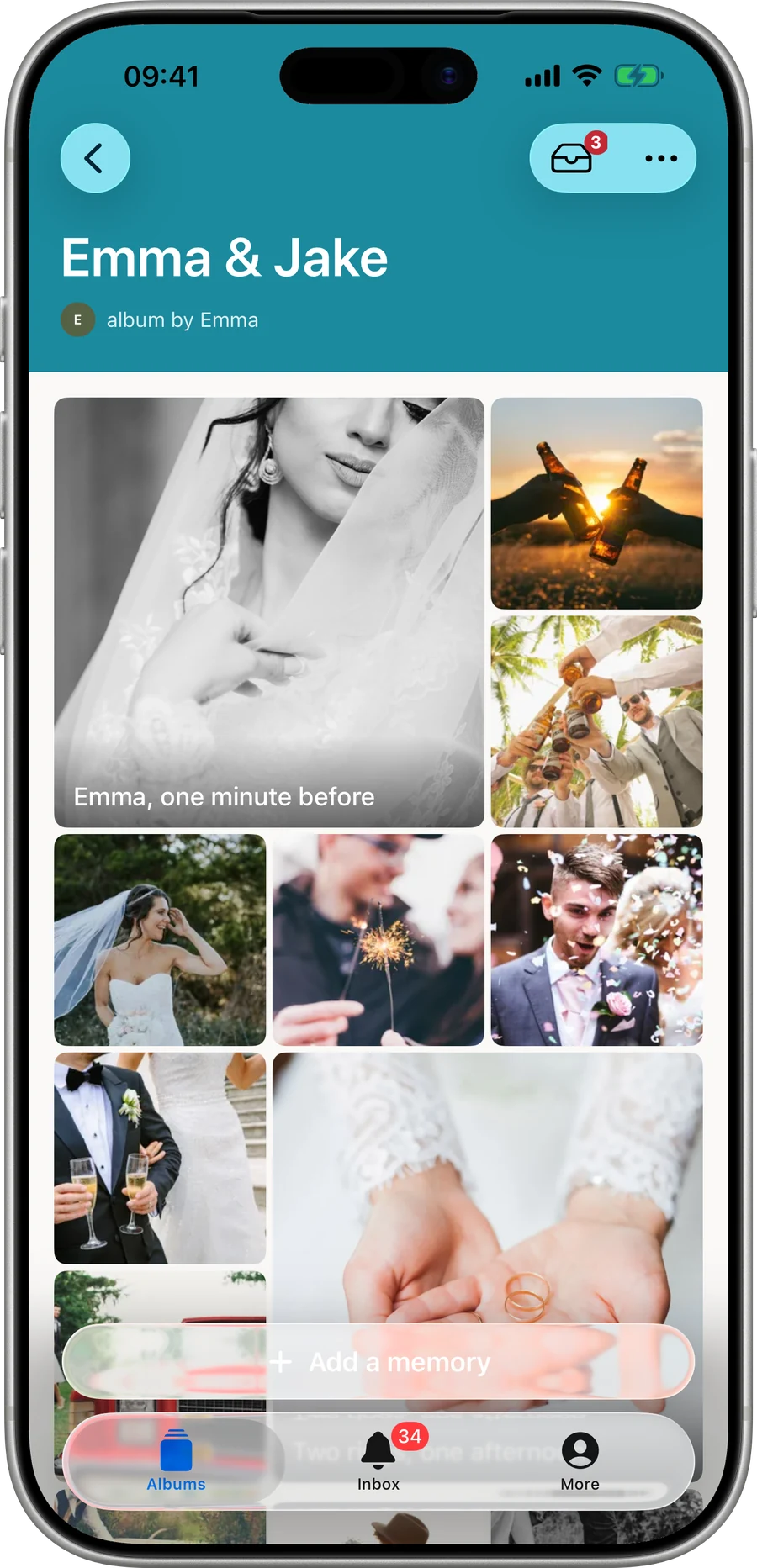
Three steps
How it works
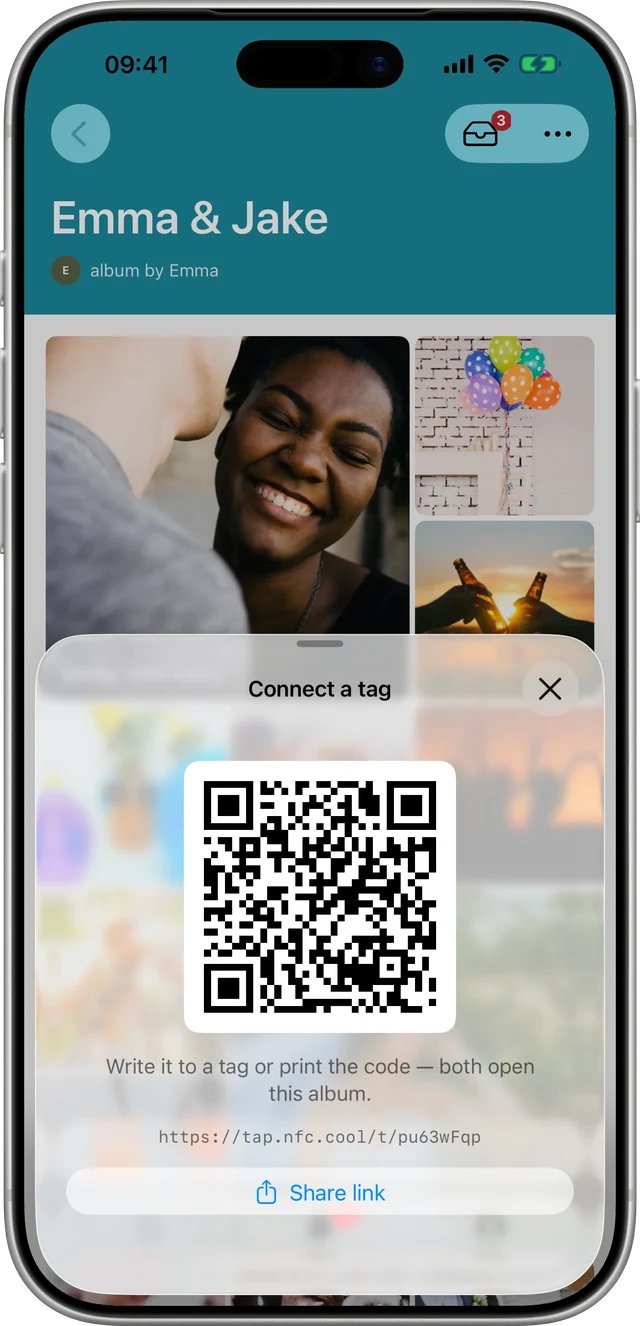
Leave memories on a place.
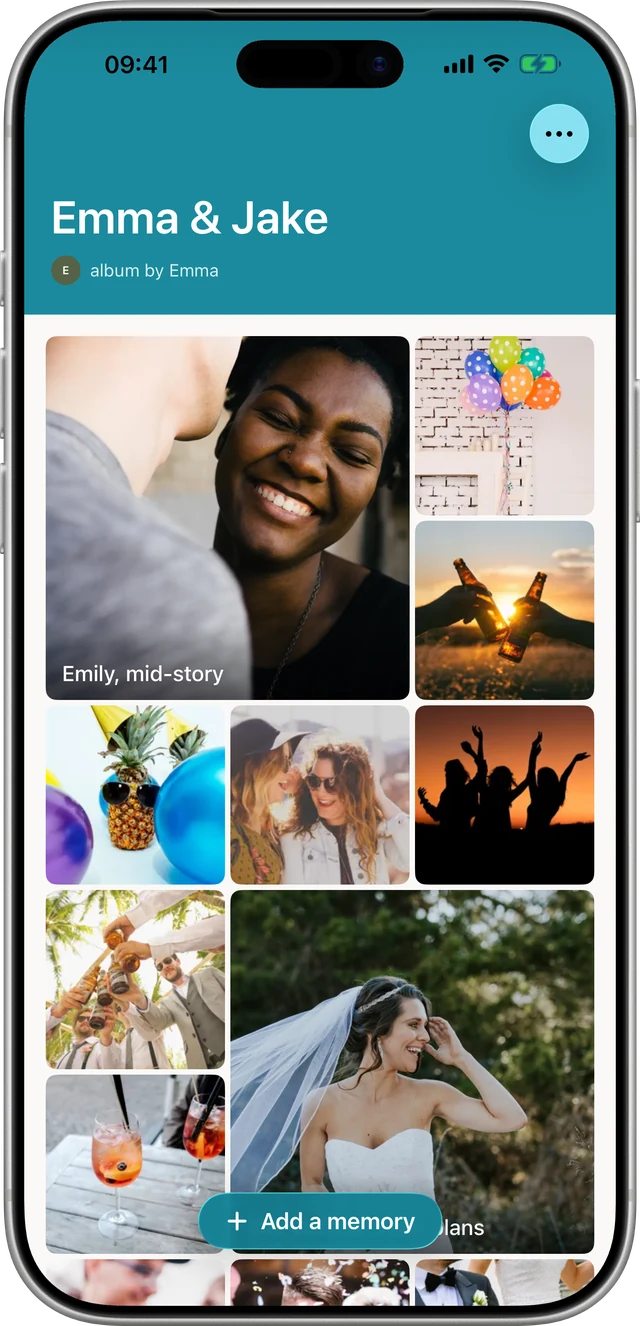
Anyone who taps it sees them.
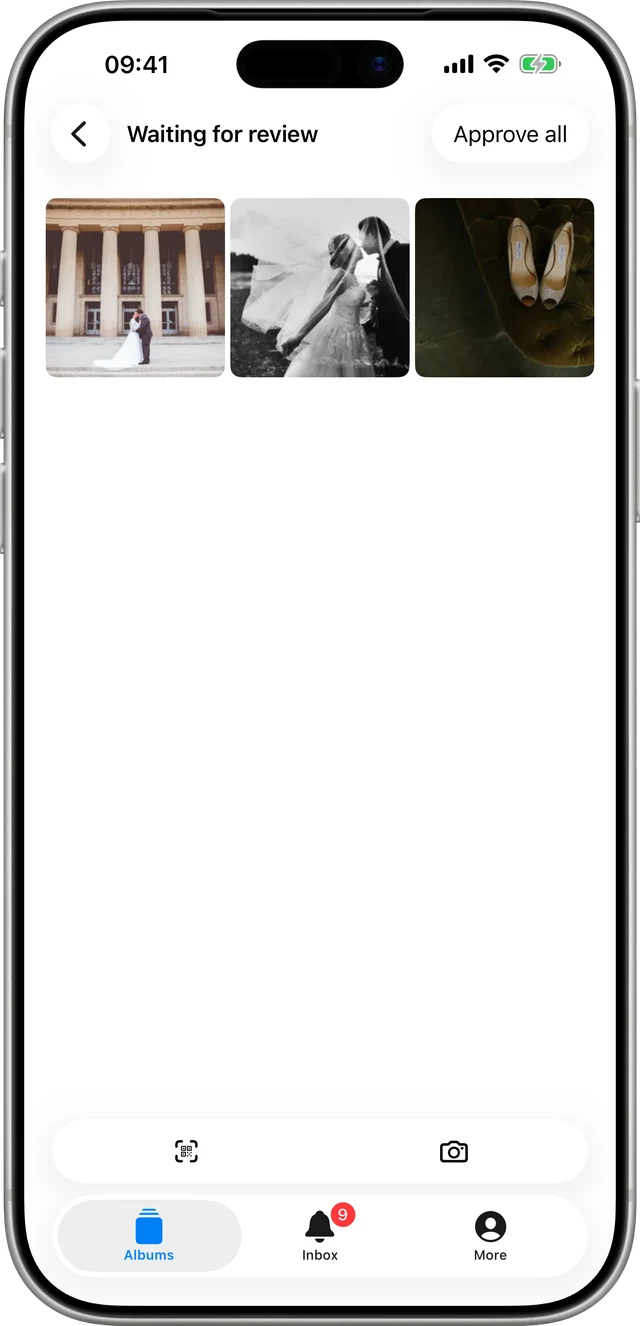
Family can add their own. You approve what appears.
Adding a memory needs no account
Only the person who owns an album signs up. Anyone they share it with, by link or by touching the tag on an open album, can add a photograph, a video, a voice note or a few words without making an account, on any phone, with nothing to install.
Nothing anybody adds appears until the owner approves it. That is not a moderation feature bolted on the side; it is how the album works.
What an album looks like
Photographs, video, voice notes and written notes, in the order you choose, on any phone with a browser.





Ideas
What people use NFC tags for

A place that matters
A bench, a tree, a headstone, a front door. Whoever finds it can see what happened there, and add to it.

Something you are handing on
A watch, a ring, an instrument. The story travels with the object instead of being lost with the person who knew it.

A day with a lot of cameras
A wedding, a birthday, a leaving party. Everybody's photographs land in one album rather than six group chats.

Something you made
A painting, a piece of furniture, a trophy. Whoever owns it next can see how it came to exist.
What the tag actually is
What is on the tag?
It holds a web address, and that is all it holds. Nothing is stored on the chip, and nothing about it is secret: the address can be screenshotted, forwarded, or read by any phone that comes near it.
Who decides who sees an album?
The tag is a doorway rather than a lock. What decides who sees an album is the album's own setting, private or open to anyone with the link, together with a password if you set one. Choose that setting as though the address will travel, because one day it might.